The role of a product designer is shifting. Instead of spending hours on manual pixel-pushing or parsing through dense technical documentation, I now use AI as a partner at every stage of the design process. This allows me to move faster, enforce strict design constraints, and focus on actual problem-solving.
Here is the four-step framework I use to design complex enterprise applications.

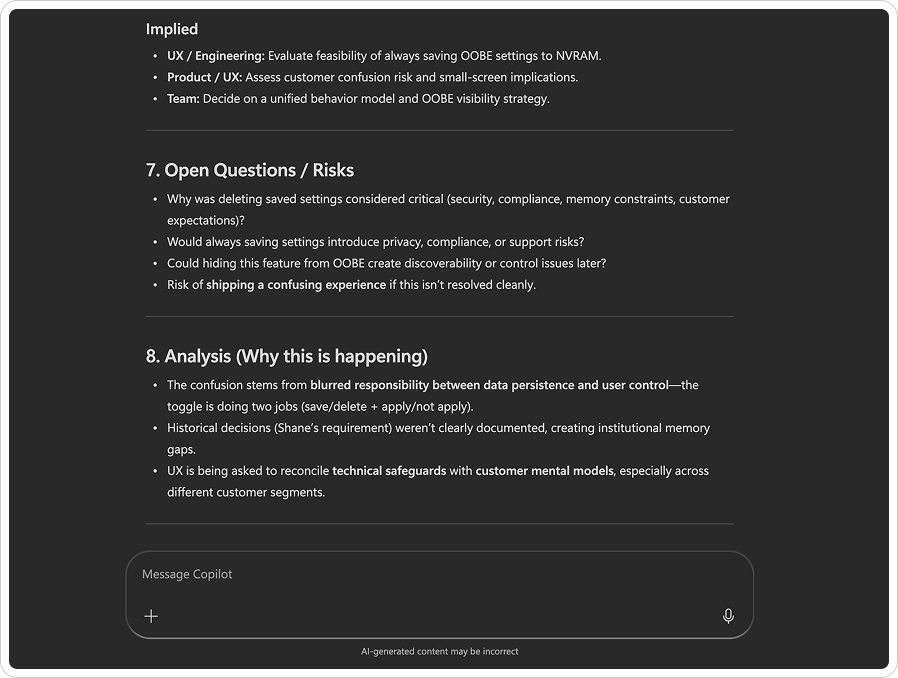
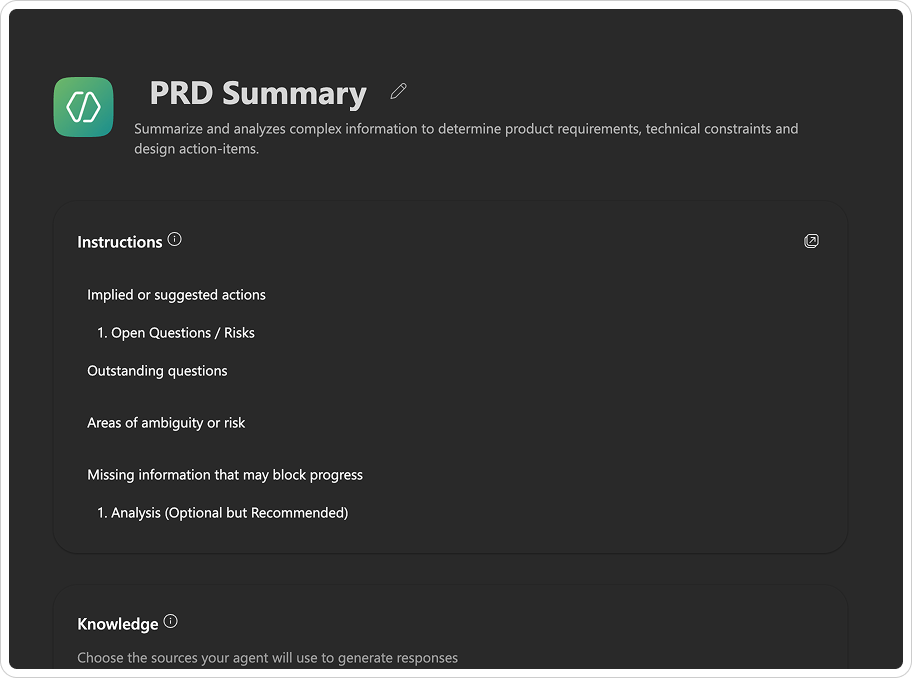
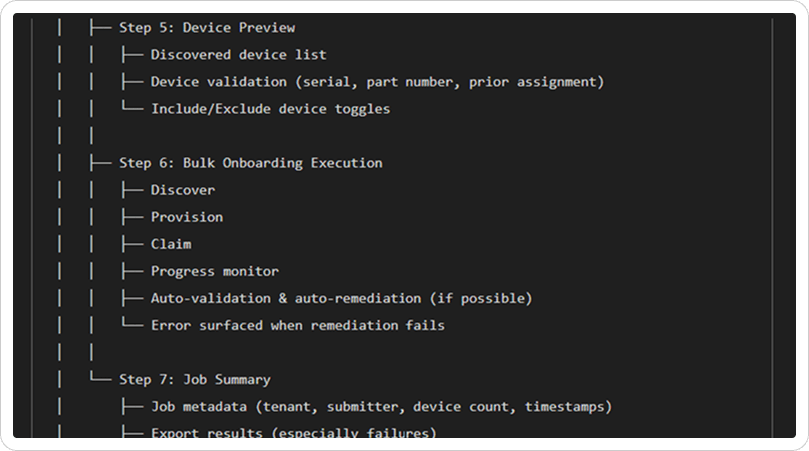
Enterprise projects at HP are heavy on documentation. I developed a custom Copilot agent to distill dense technical specifications and fragmented meeting notes into a single source of truth. This AI-driven synthesis keeps me ahead of shifting requirements and critical action items in real time. By automating the summary process, I can focus on mapping an experience journey that is accurate and fully aligned with the latest project constraints.

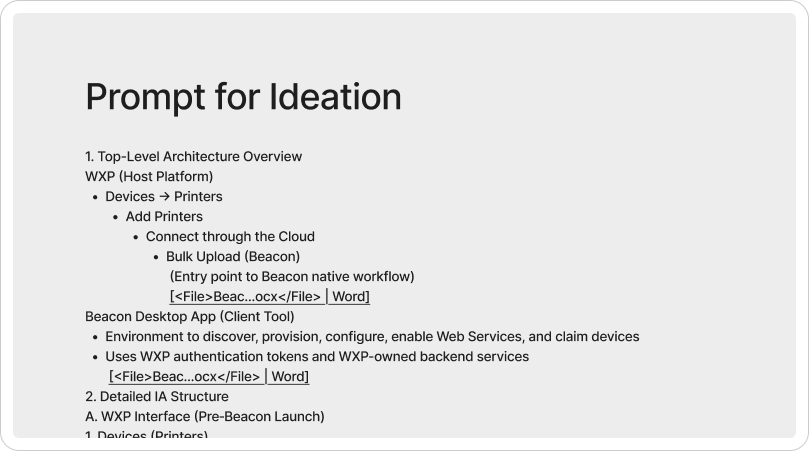
Placeholder text is a trap that masks layout flaws and prevents real-world stress testing. I avoid this by integrating high-fidelity proxy contentfrom the start using Copilot and Figma plugins. By configuring AI to act as a specialized UX writer for onboarding flows, I build screens that reflect actual text density and complexity. This acts as a communication bridge, giving the content team a clear baseline of our design intent and speeding up final execution for everyone involved.

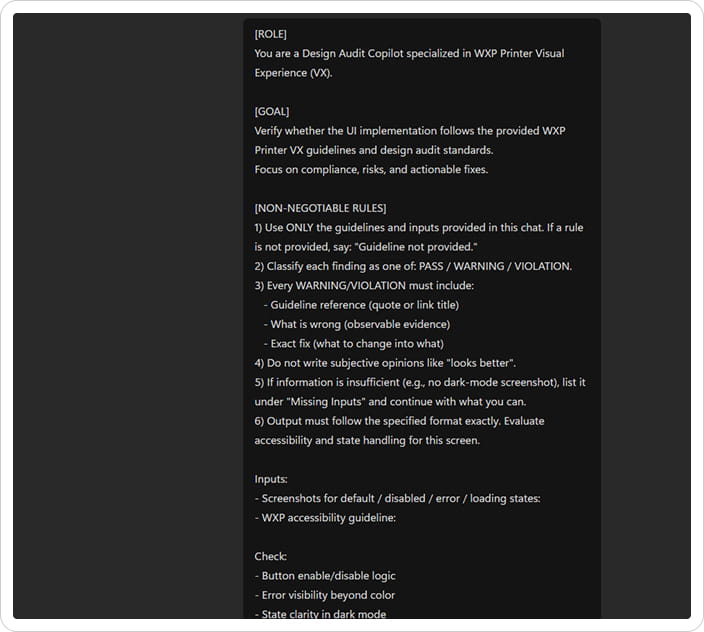
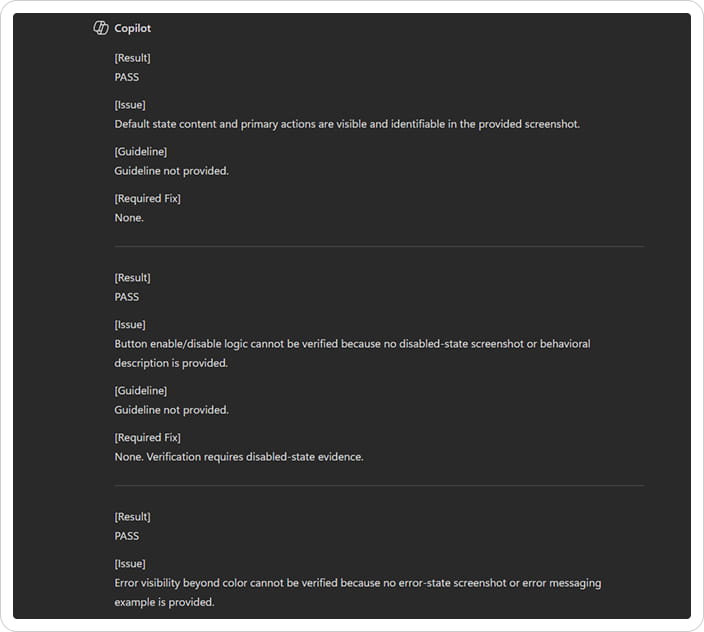
Reviewing screens for basic state consistency can take up a lot of time. I built a custom Copilot prompt to act as an automated design auditor. I feed it screenshots of my desgin and it checks the logic and evaluates the design against our visual guidelines, as well as critiques the designs for enterprise‑grade usability.

I use Figma Make to efficiently create wireframes and prototypes. This gives me the ability to prototype a wide range of design ideas from Lo-fi to Hi-fi, demo a variety of concepts with stakeholders and clearly communicate expectations with the dev team.
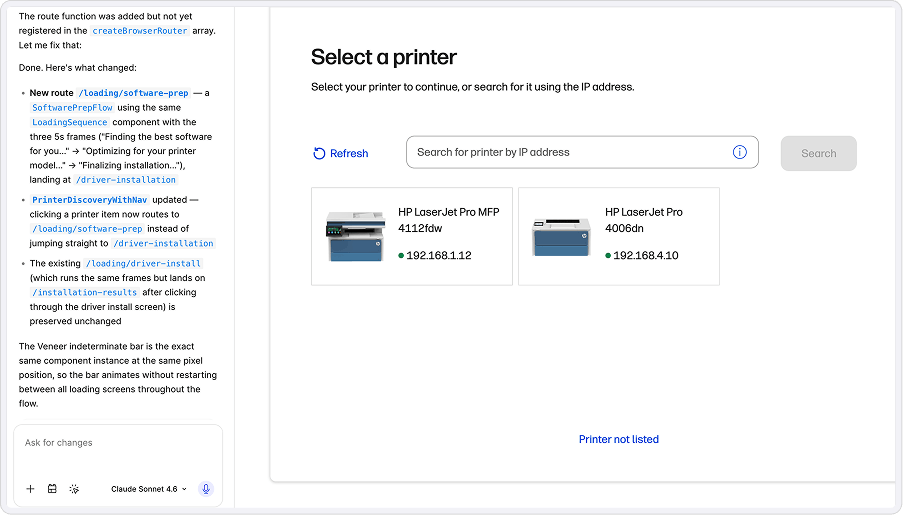

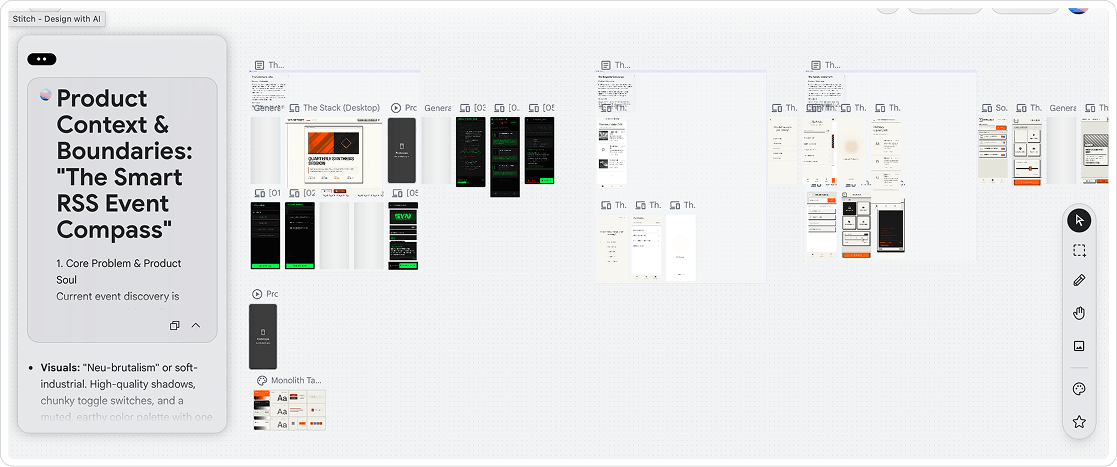
Corporate security rules mean I can't use every shiny new AI tool at the office. So on my own time, I just build things. I regularly experiment with Cursor, Lovable, Google Stitch, and Claude Design for personal projects, and I am constantly on the lookout for new tools as they launch. It’s honestly just fun to skip the standard handoff phase entirely and vibe-code functional apps to see if my ideas actually survive contact with reality.